
Browse the manual
Show finished work with cases and portfolios
Publish work, compare before and after, request client consent and receive enquiries about a case.
On this page
For: a person with Manage content, or a customer workspace owner whose plan includes these widgets. Platform owners and admins have this permission by default.
Where: Work > Widgets > New widget.
A case shows one finished job. A portfolio brings your published cases together. Each case can receive an enquiry that keeps the case version and tags.

Publish a case
Get permission for identifying details in your story and photos before publication. The consent control below protects the separate client name, logo and quote fields.
- Choose Case study. Enter its name and title.
- Describe the work and result in Work and result.
- Enter tags, separated by commas. Select Related project if a permitted project applies.
- Open Photos. Choose Add photo, select a file and write its Image description.
- Add more photos in the order visitors should see them. A case accepts up to 20 photos.
- Open Before and after to add a comparison. Select both images and describe each one.
- Save. Check Live preview, then open Publish & share and choose Publish widget.
Text supports headings, lists, emphasis and HTTPS links. Add media through the media controls. Raw HTML and outside images do not render.
Platform managers select permitted images from Files. Customer owners upload images within their workspace. JPEG, PNG, WebP and GIF are supported, within the installation's upload limit.
Visitors can open photos in a lightbox. On a phone, swipe sideways between photos or vertically to close. On desktop, click the backdrop or press Escape.
A comparison supports touch and keyboard arrows. Show both images gives an alternative to the slider. Each image retains its description.
Ask the client to approve their details
- Open Client details and consent in the case editor.
- Enter the proposed client name, optional logo and quote. Write the Consent statement.
- Save and publish the case. These client fields remain hidden until consent.
- Open Records and requests. Select an existing customer in Request client consent.
- Choose Send request, or Create link to copy the link without sending email.
The recipient verifies their email address with a code. They see the exact story, images, proposed details and statement for that version. They choose Give consent or Decline.
An unanswered link expires after 30 days. Another email address cannot inspect or answer it. A decision cannot be submitted twice.
Records and requests shows the recipient, version, decision and delivery state. View evidence shows the statement and recorded time. Revoke stops access through that request.
The recipient can reopen the original consent link to withdraw, including after its 30-day expiry. If private reading has closed, the link shows only Confirm withdrawal, with no client details. This also works after a restore closes private grants or the business closes access.
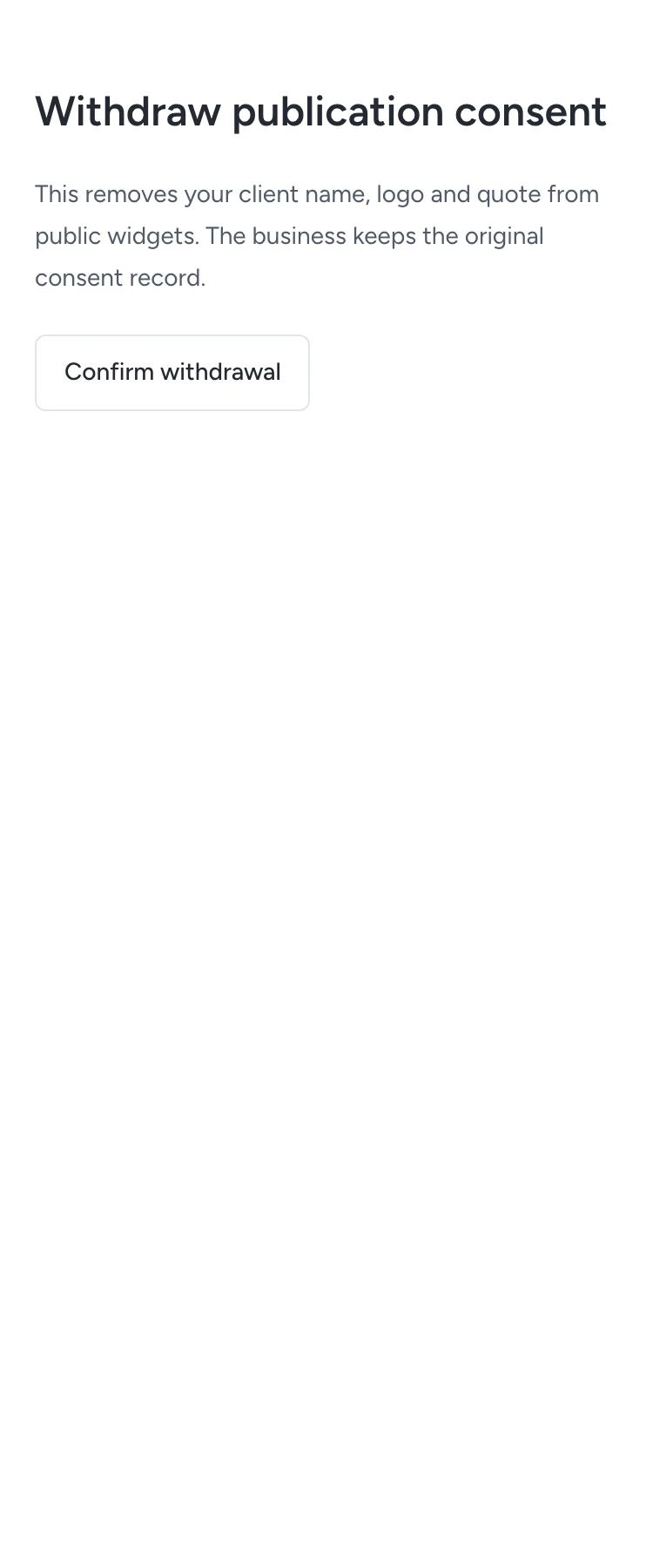
Withdrawal removes the structured client details from new public responses, including logo access. A copy someone already downloaded cannot be recalled.
Editing closes the widget. Publishing the edit keeps a new version, which needs its own client consent. Earlier decisions remain as evidence for their original version.
Gather cases in a portfolio
- Create a Portfolio widget.
- Enter a short description.
- Set Filter by tag, or leave it empty for all published cases in that business.
- Save, preview and publish it.
Visitors can filter the displayed cases by tag and open a case. Closing a case removes it from new portfolio responses.
Follow an enquiry
A visitor enters their name, email and message under Ask about similar work. Validation errors keep the form available for correction.
Pepper confirms receipt after saving the request. It creates or links a lead and retains the case title, version and tags. Replaying the accepted request creates no duplicate.
In widget analytics, open Content results to compare enquiries per case and tag. Select a count to open its permitted records. A request can have several tags, so tag counts can overlap. Measured views are consent-dependent counts, not unique people.
See Publish a widget for links, website presentations, QR placements and sharing. Agents can read and prepare; a person publishes and sends requests.
Need help with the product?
Contact support